PORTHOLIC Wii to HDMI Converter
This page is intended to act as a review/info about this unofficial adapter. The Wii never had a official HDMI adapter.
If you would like something added or fixed, please send me a email at gremlin.noobsandnerds@protonmail.com
Amazon Listing
https://www.amazon.com/gp/product/B0753CZ8MC
The name of this device according to the amazon listing is "PORTHOLIC Wii to HDMI Converter 1080P for Full HD Device, Wii HDMI Adapter with 3,5mm Audio Jack&HDMI Output Compatible with Wii, Wii U, HDTV, Monitor-Supports All Wii Display Modes 720P, NTS"
Despite the name, my TV only recognizes the resolution being displayed as 480p. For $10 dollars however, this can be forgiven! Modern dipslays don't play nice with the Wii normally so having a cheap adapter that works well makes the Wii way more accessible to the masses. I still don't appreciate the false advertising.
Unboxing
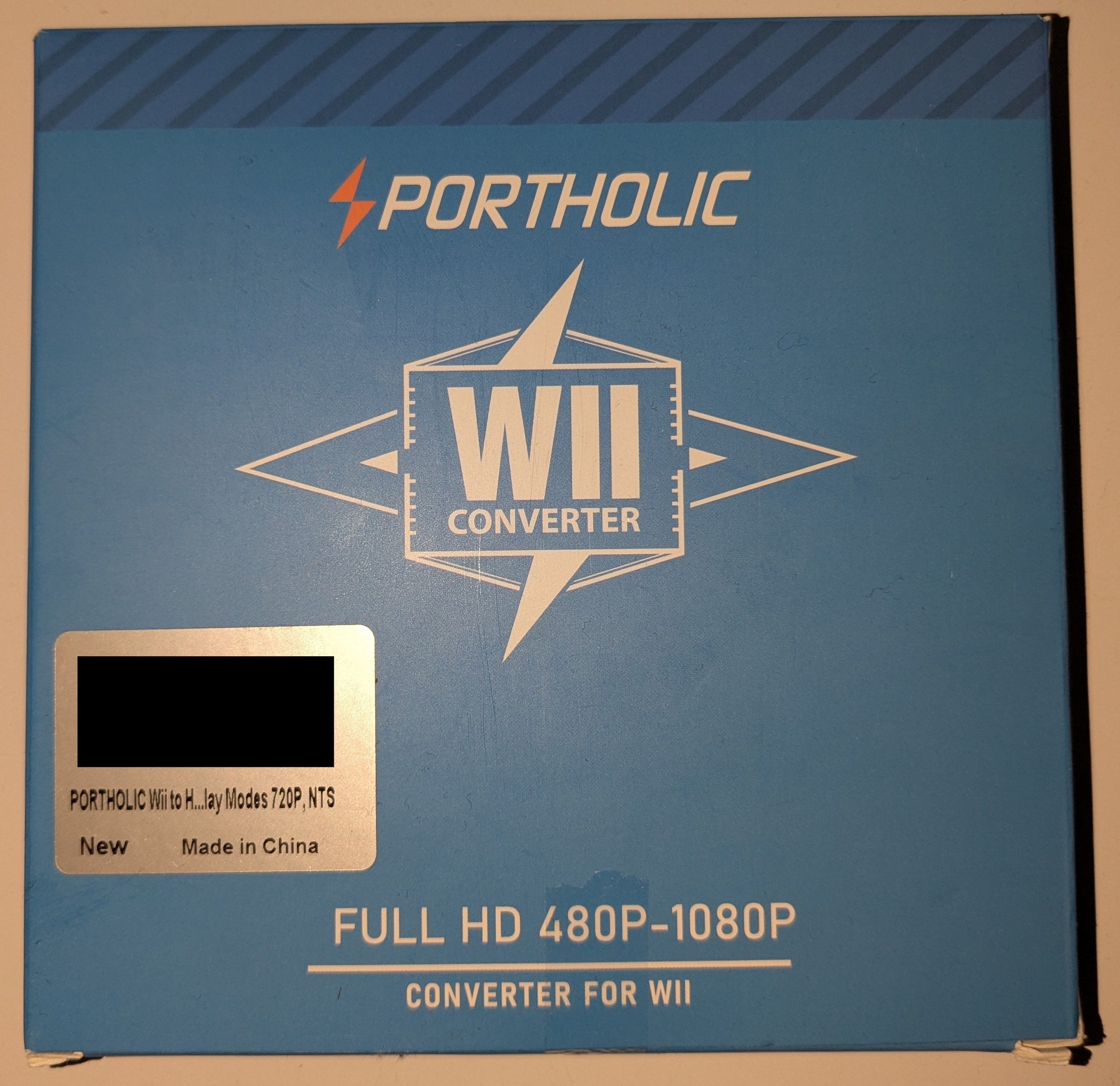
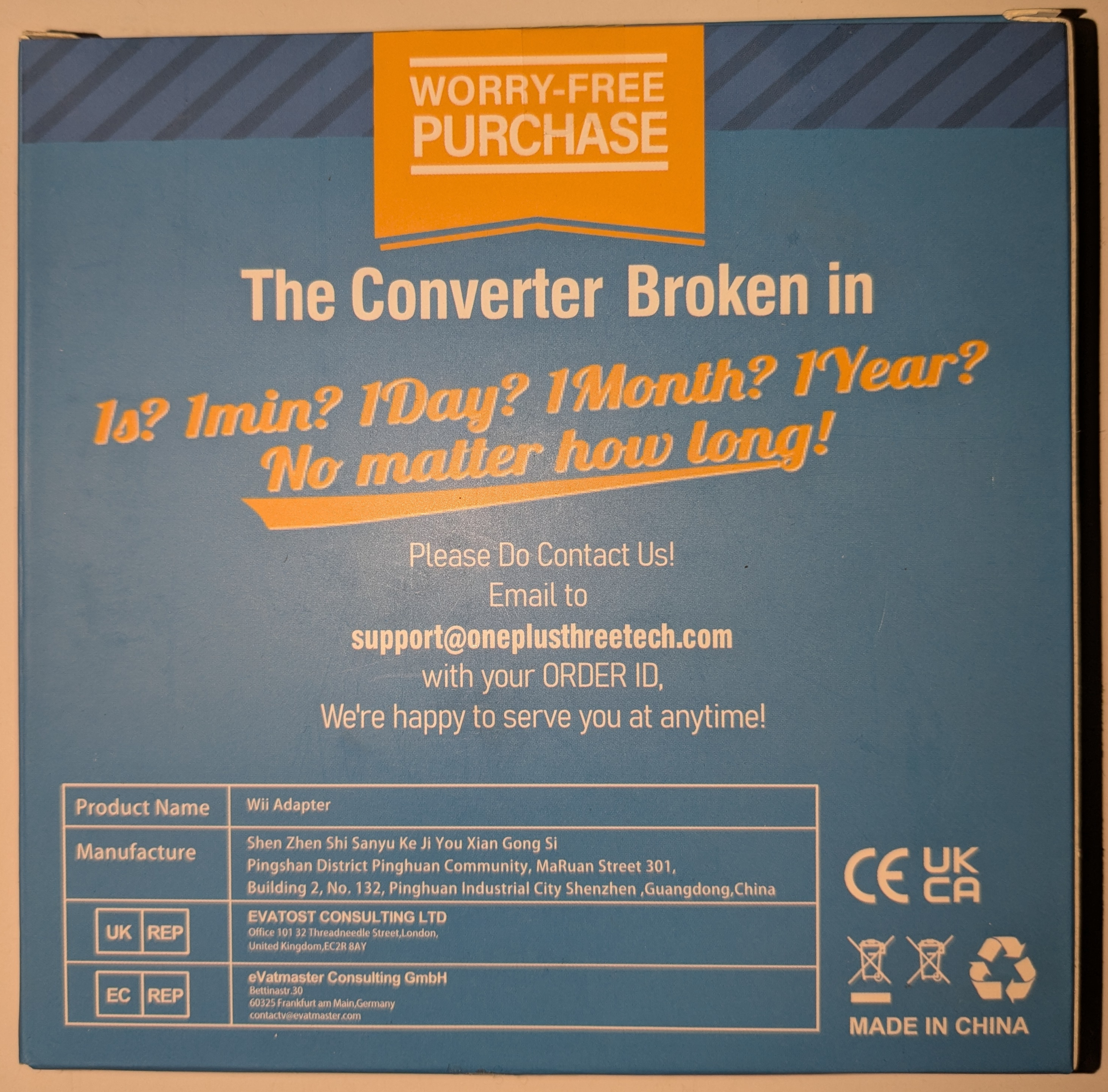
Box came in slightly damaged, I blame amazon for how they packaged it.
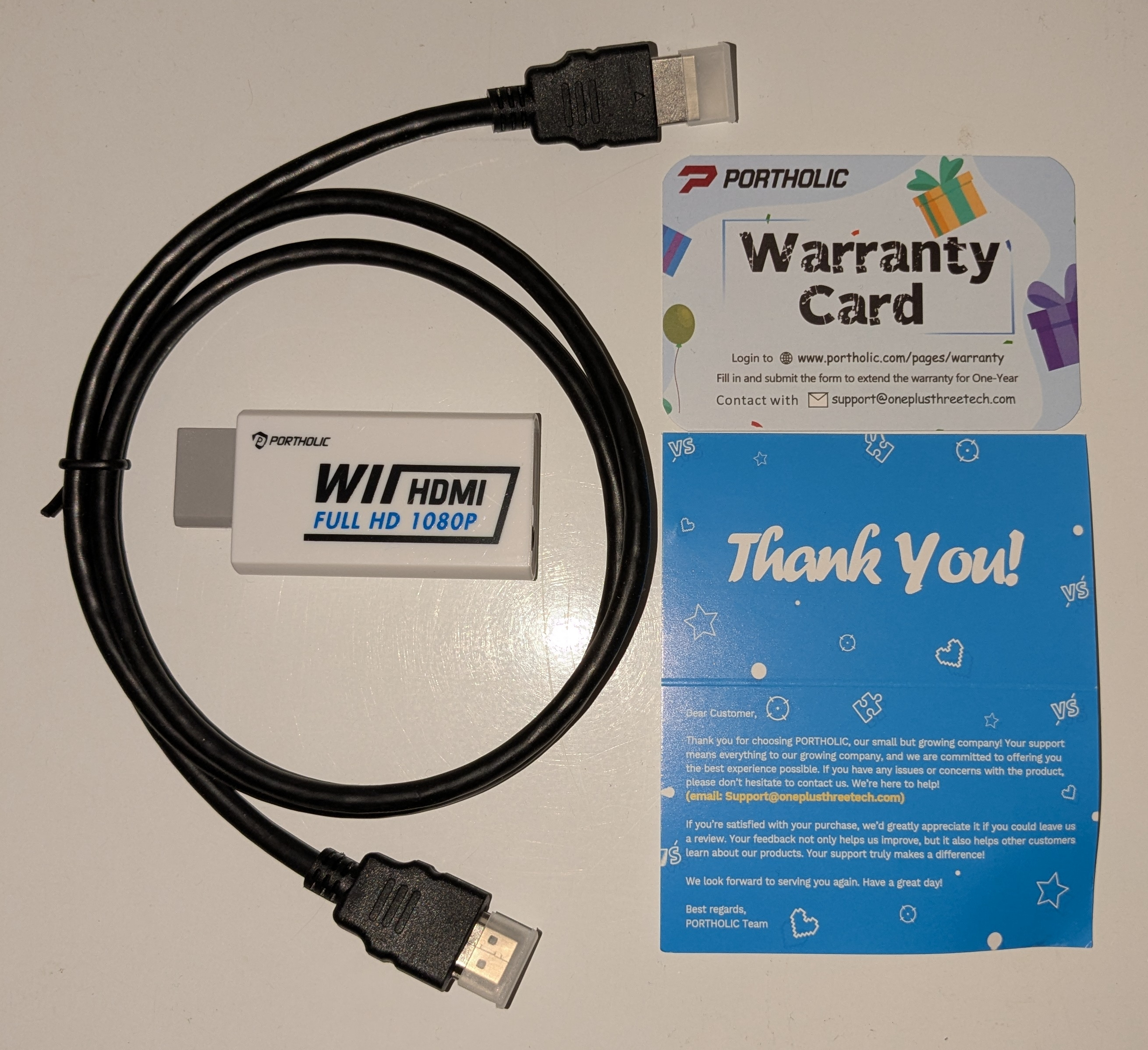
Opening up the box reveals the adapter, a 3 foot HDMI cable, a warranty card, and a thank you card. For 10 USD it might not be what it advertises itself as HOWEVER it is a bargin if you are always in need of another HDMI cable like I am and just need to be able to play your Wii on modern screen. If I decide to setup the warranty card I will make sure to update this page with on how that process went.
Gameplay
No noticeable issues with video quality aside from the resolution being 480p like stated earlier. I did not notice any game delay using this adapter even with my capture card's passthrough. The adapter comes with 3.5mm audio jack right near the HDMI port so can connect a wired audio devices. From my testing this audio jack is not very high quality.
This video was recorded in OBS Studio with a fifine AmpliGame V3 Capture Card. The video itself was recorded at 1440p just in case anybody wants to obsess over how the pixels look. Deflicker filter has been disabled using USB Loader GX.
Concerns
The adapter gets pretty warm, maybe a longevity issue? I will add a section about it if it becomes the case.
The adapter's body is plastic and fits snug in the video port, this might be a problem for people who use gamecube controllers or have chaotic children and/or pets.
Tips and Tricks
Make sure to set up 480p and widescreen in the wii menu settings
Within USB Loader GX you can disable the deflicker filter. This removes that blurry effect that plagues all games by default.
Image Credits
All images on this page are my own. I took them with my own camera. I don't care what you do with the images.